
Solutions
RFID asset tracking, built around your workflow.
Tags identify the assets. Readers capture the scan. Ledger software turns that scan into a record your team can use for issue, return or deployment.
Software, suitable hardware and implementation in New Zealand.
Identify the asset at a defined capture point.
Observe suitable tags as staff do the work.
Record the action and show what needs attention.
Start with the record you need.
Different movements need different workflows. Explore how Ledger records temporary custody or connects an asset to its deployment destination.
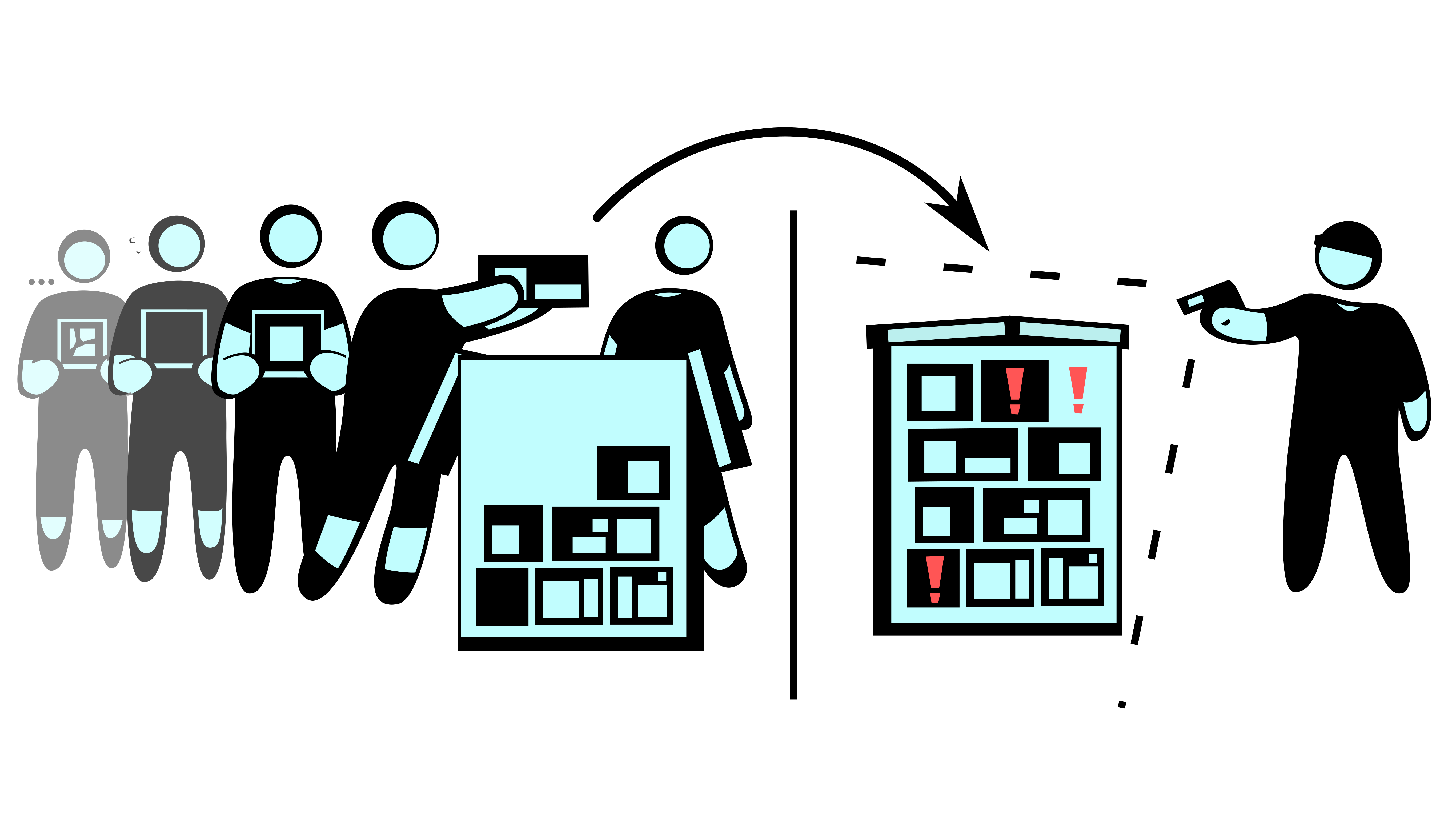
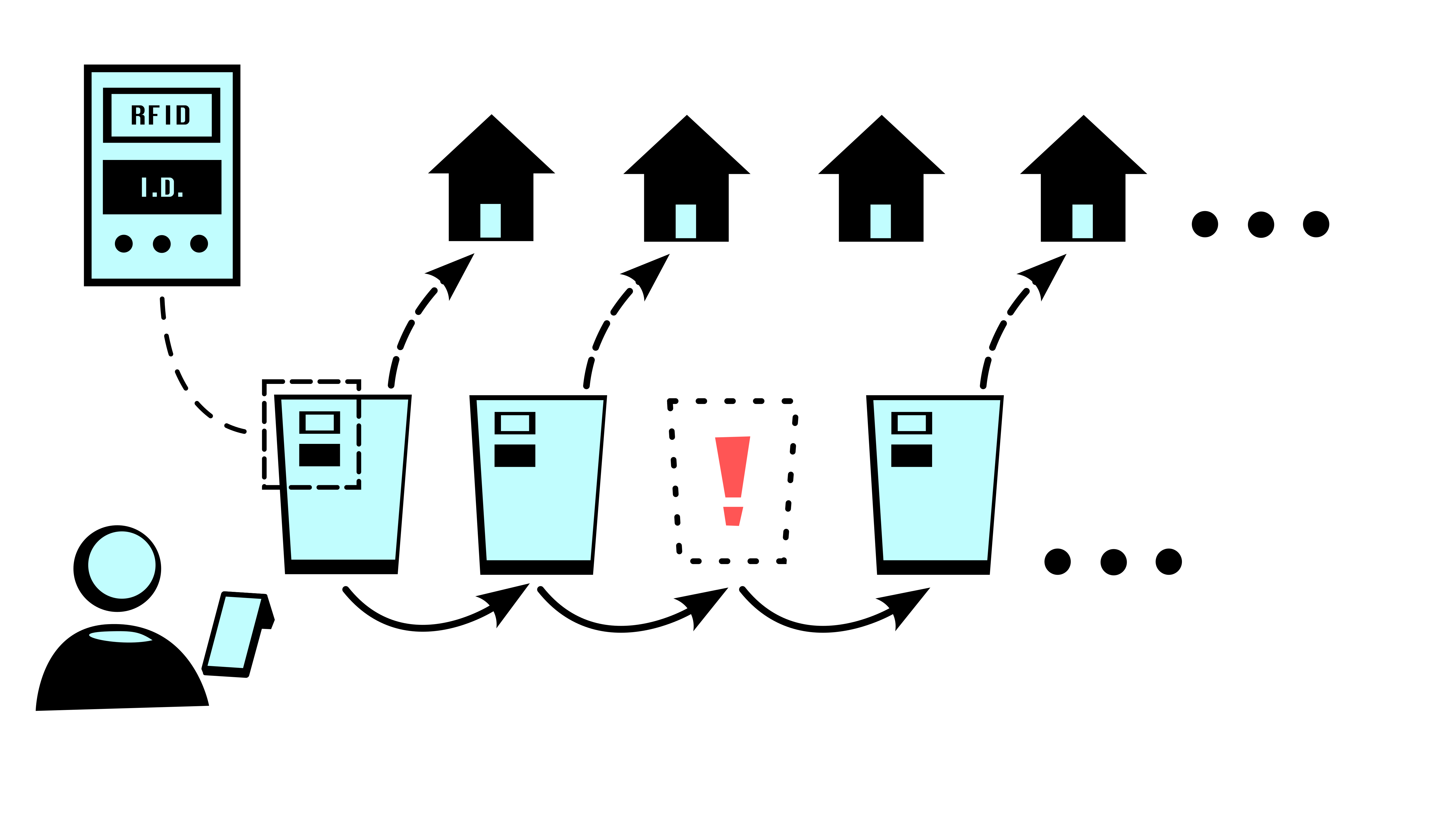
The scan is the start of the record.
RFID can identify multiple suitable tagged assets without presenting each tag individually. A useful result depends on the capture point, the data and the workflow interpreting the scan.
Tags and readers
Choose tags that suit the asset and readers that suit the environment. Material, placement and read-area design affect what is captured.
Software and records
Connect scans with the recipients, orders or destinations involved. The active workflow determines which action is recorded.
Implementation
Fit the scanning steps to the physical process, agree integration requirements and make the operator's role clear.
Related capabilities
Location observations and stocktakes.
Where was it last recorded?
Configured location workflows can record where an asset was observed and when. Last observed location describes that record; it is not continuous tracking. Ordinary location scanning applies to assets that are not currently issued.
What can you account for?
A stocktake compares physically scanned assets with an expected list. Review the differences and investigate what was not scanned. We’ll assess the location and stocktake setup your process needs.
Getting started
Software, hardware and a workflow that fits.
For New Zealand projects, we bring Ledger software, suitable RFID equipment and implementation together. We start by assessing your process, then demonstrate the relevant workflow.
You bring knowledge of the operation, your existing records and a person who can own the rollout.
Assess the workflow
Agree what needs to be recorded, where scanning can happen and what staff need to know.
Define the setup
Assess tags and readers, existing data and any integration work. Agree scope, costs and support responsibilities.
Put it into practice
Configure the agreed workflow and plan how staff will use it. Start with a manageable part of the operation.
What goes into the cost?
Project scope covers software access, hardware and tags, and implementation. Any additional integration work is scoped separately. We discuss these components once the workflow and equipment needs are understood.
Outside New Zealand?
International software enquiries are welcome. Wider hardware and implementation support can be discussed for substantial projects.
Explore compatible hardwareSee the workflow in your industry.
Industry pages explain how the capabilities fit equipment stores, regalia operations and bin rollouts.
Explore industriesIs RFID a practical fit?
Repeatable movements, usable capture points and a clear operational problem are useful starting points. The readiness assessment helps identify what to clarify before choosing equipment.
Check your RFID readinessStart with your workflow
Talk through your workflow.
We’ll assess how your assets are issued, returned or deployed, then show you the relevant Ledger workflow.
Discuss your workflow Or check your RFID readiness