Start with records
Use recipient, order or destination information already available to the process.

RFID-enabled workflows
Know what is issued, what returned and what needs attention. Ledger combines RFID scanning, software and practical implementation for asset and equipment workflows.
Still exploring? This optional assessment helps you identify what to clarify about your process before choosing RFID equipment.
The operational problem
Spreadsheet checks and individual scans take time in keeping up with Assets, especially when they increase in quantity or move at a faster pace. The longer the gap, the harder it is to manage the results in your inventory, and therefore to find and fix problems when making sure records are complete.
Teams cannot confidently answer what is out, what came back or what still needs attention.
Separate spreadsheets and handwritten steps create a delayed picture of the physical workflow.
Potential problems are discovered after the best moment to investigate has passed.
Why RFID
RFID can identify many suitable tagged Assets at once with a sweep of a handheld scanner, or when moving up to a standing scanner. Ledger uses these scans to record and track progress of Assets through defined order steps.
How Ledger makes RFID useful“RFID is powerful. The right implementation makes it useful.”
How Ledger works
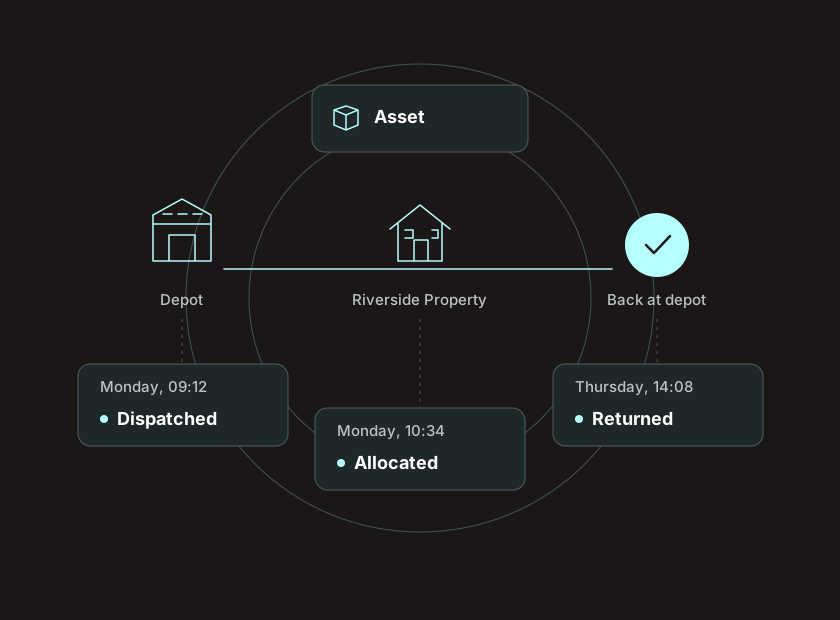
The scan is only an observation. Ledger uses order setup and supporting records to decide whether it represents issuing to a recipient, returning from them, registering a new Asset into the inventory or another defined action.
Use recipient, order or destination information already available to the process.
Scan suitable RFID Tags at the point where movement happens, such as issuing an Asset to a recipient or returning it back.
The active Ledger workflow interprets the Scan and records the defined action.
See what is accounted for and what needs investigation while the work is current.
Set up bulk orders and requests with a CSV importer, or connect it with an existing site for users to create them.
Record where an available asset was observed and when. Last observed location is a recorded observation; it is not continuous tracking of issued equipment.
Sort assets into Types (e.g. Fabric), and if you're also using barcodes, Identifier Rules (e.g. Wool under Fabric).
Group up requests into events, and even make sure they're issued in the correct order if needed.
Lead solution
Issue your reusable Assets to recipients, scan what comes back in bulk and get a clear view of what doesn't return to your inventory in time.
A second workflow
When delivering an Asset to a recipient or a destination, scanning that Asset's RFID tag automatically creates a record of the Asset in the inventory and links it to the owner.
This workflow creates a reliable deployment record. It does not imply that Ledger continues observing the Asset after deployment unless later reader integration is part of the project.
Explore Register and Deploy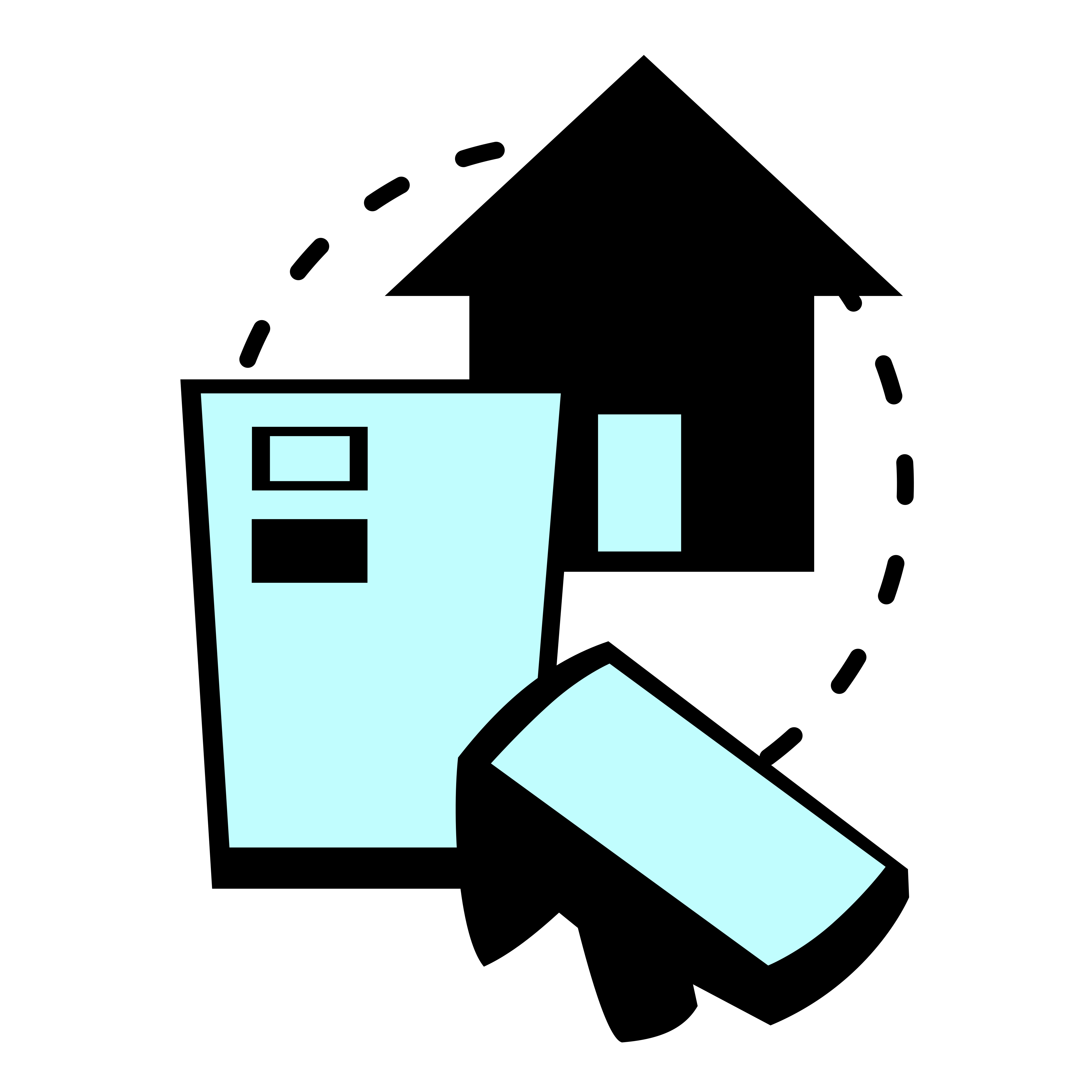
Built around real workflows
Explore equipment issue and return for trades and field-service teams, event-paced regalia operations and destination-based bin rollouts.
High-volume issue and return, temporary custody and faster investigation of outstanding regalia.
Explore the workflow →Register bins, link RFID Tags and associate Assets with a property or destination during deployment.
Explore the workflow →Record equipment issued from the store to individual staff, check what returns and review what is still outstanding.
Explore the workflow →Implementation stories
See how Ledger connects RFID-enabled movement with useful operational records.
Ledger supports the operational pace of regalia issue and return by turning RFID-enabled movement into useful records.
Read the GWC story →Rotaform led a major municipal bin rollout while Ledger provided asset data, verification and visibility.
Read the Rotaform story →See the readers and mobile computers known to work with defined Ledger setups, plus devices currently in integration.
View compatible hardware →RFID Readiness Scorecard
Answer approximately seven questions in under three minutes. You will receive a Ledger Fit score, Implementation Readiness score and practical homework immediately.
Take the Scorecard7 questions.
2 scores.
Practical next steps.
The score is a structured self-assessment, not a statistical probability of success.
Frequently asked questions
Ledger projects begin with the physical workflow, not a hardware shopping list.
RFID can identify many suitable tagged Assets without requiring a direct line of sight to each tag. The practical benefit is reaching a useful answer faster at the right point in your workflow.
Not necessarily. Ledger can start with existing recipient, order or destination information and may integrate with the systems that already own parts of your process. A workflow assessment determines the right boundary.
No. Spreadsheets and CSV records can be a starting point. The important questions are whether the physical workflow is repeatable, where RFID can be captured, and who owns the process.
No system can promise that. Ledger can identify outstanding Assets sooner, shortening the time before a team investigates. An absent Scan is not proof that an Asset is lost.
For New Zealand projects, suitable hardware can be included with Ledger software and implementation. Device suitability and hardware support responsibilities are agreed for each project. International software enquiries are also welcome.
Start with your workflow
We’ll assess how your assets are issued, returned or deployed, then show you the relevant Ledger workflow.
Discuss your workflow Or check your RFID readiness